The Art of Remote Construction Project Management
Managing a construction project remotely used to sound impossible. How do you keep track of progress, communicate with field crews, and handle surprises from miles—or even states—away?
But times have changed. Remote project management is no longer a luxury; it’s a necessity. Between multi-location builds, travel restrictions, and new technology, many project managers are finding themselves running job sites without ever stepping foot onsite.
The good news? Done right, remote construction management can be just as effective (and often more efficient) than traditional methods. In this post, I’ll share five powerful secrets from my book, The Art of Remote Construction Project Management, that will help you take control of your projects—even from afar.
If you’ve ever felt overwhelmed trying to manage teams, budgets, and schedules from a distance, these strategies are your roadmap to success.
Why Remote Construction Project Management is Here to Stay
Remote work isn’t just for office jobs anymore. According to industry surveys, nearly 40% of construction project managers now oversee jobsites remotely for at least part of a project. Why?
Cost savings: Fewer travel expenses and reduced downtime.
Efficiency: Tools like Gantt charts and cloud-based PM software give instant visibility.
Talent flexibility: Skilled PMs can manage multiple sites simultaneously, increasing value.
Common Challenges in Remote PM
Despite the benefits, managing from a distance comes with hurdles:
Miscommunication: Field crews and office teams often operate on different timelines.
Slow reporting: Waiting on status updates can delay decision-making.
Limited visibility: Without site visits, small issues can escalate unnoticed.
These problems can derail a project—but they’re avoidable if you know how to adapt. Here’s how to do it.
Secret #1: Master Communication and Collaboration
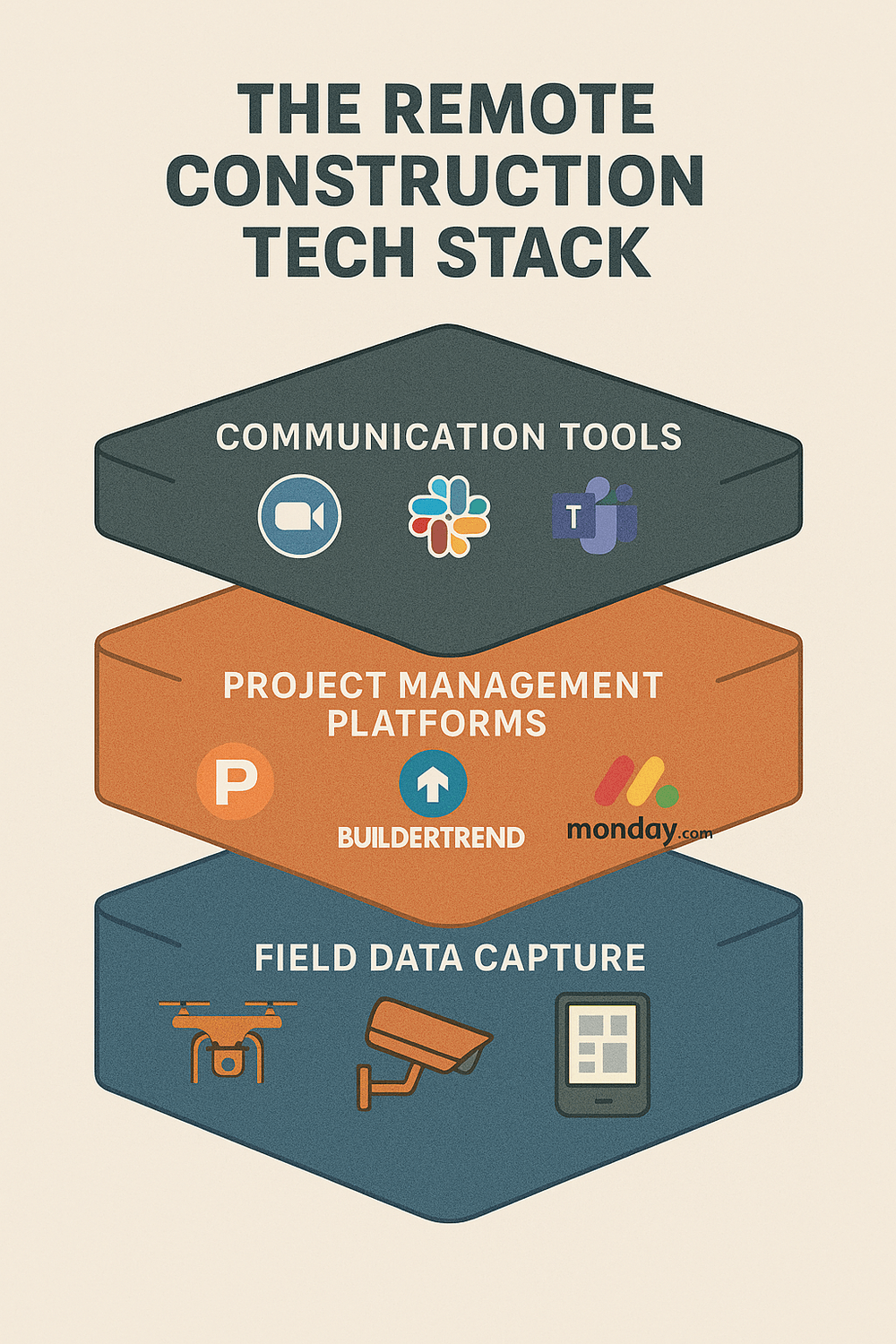
If you’ve ever played “telephone” as a kid, you know how quickly a message can change. In construction, miscommunication costs money—and lots of it. Remote PMs must build a clear communication framework.
Set Rules for Information Flow:
Daily or weekly stand-ups via Zoom/Teams.
Use chat tools (Slack, Microsoft Teams) for quick updates, but email for formal records.
Define response times so no one’s left waiting.
Leverage PM Software for Collaboration:
Tools like ClickUp and Monday.com are game-changers. They centralize tasks, documents, and progress tracking in one shared space. Your field supervisor uploads photos; your scheduler updates milestones; you approve changes—all from your laptop.
Try ClickUp here or Monday.com here for seamless collaboration.
Pro Tip from the Book:
Always over-communicate. Recap calls with short written summaries. Document everything. In remote PM, clarity equals control.
Secret #2: Visualize Timelines with Gantt Charts
Construction thrives on timelines. Without visual scheduling, chaos creeps in fast.
Why Gantt Charts Work:
Unlike spreadsheets, Gantt charts show dependencies visually. You can see at a glance:
Which tasks overlap
What’s on the critical path
Where delays threaten the timeline
GanttPRO makes this effortless. Its drag-and-drop interface lets you adjust schedules instantly when weather or supply issues hit—critical for remote PMs who need quick reactions.
💡 Sign up for GanttPRO here to simplify remote scheduling.
Secret #3: Embrace Cloud-Based PM Software
Forget local spreadsheets and endless email chains. Cloud-based platforms keep everyone working from the same playbook—anywhere, anytime.
Top Tools for Remote Construction PM:
ClickUp: Task boards, docs, automations.
Wrike: Robust enterprise reporting for big teams.
Asana: Ideal for smaller crews or checklists.
Because they’re cloud-based, updates are live. Your superintendent marks a task complete onsite; you see it instantly.
Secret #4: Build Trust and Accountability
Technology alone isn’t enough. Leadership drives remote PM success.
Lessons from The Art of Remote Construction Project Management
Empower field leaders. Give authority where appropriate.
Foster accountability: Assign clear owners for every task.
Use software transparency (like Wrike dashboards) so progress is visible to all.
When crews know you’re watching—even from afar—they’re more likely to stay on track.
Secret #5: Automate Reporting and Updates
Stop chasing updates! Automated reporting tools eliminate manual status checks.
ClickUp Automations: Trigger reminders and weekly summaries.
GanttPRO Reports: One-click progress exports for stakeholders.
These tools free hours each week, letting you focus on decision-making instead of data wrangling.
Case Study: Remote PM in Action
In my book, I share about managing a multi-state senior living construction project entirely remotely. By using GanttPRO for scheduling and ClickUp for communication, we delivered under budget and ahead of schedule—without a single cross-country flight.
The lesson? With the right tools and habits, remote PM works.
Key Takeaways:
Communicate clearly and document everything.
Use visual scheduling tools (Gantt charts).
Adopt cloud-based software to unify teams.
Lead with trust and accountability.
Automate wherever possible.
Next Steps:
📥 Grab the PM Mastery Operational Excellence Bundle and start implementing these secrets today.
🔧 Test-drive tools like GanttPRO or ClickUp to simplify your remote projects.
ABOUT
Empowering project managers to deliver better outcomes. Put my experience to work for you.
Created with ©systeme.io
